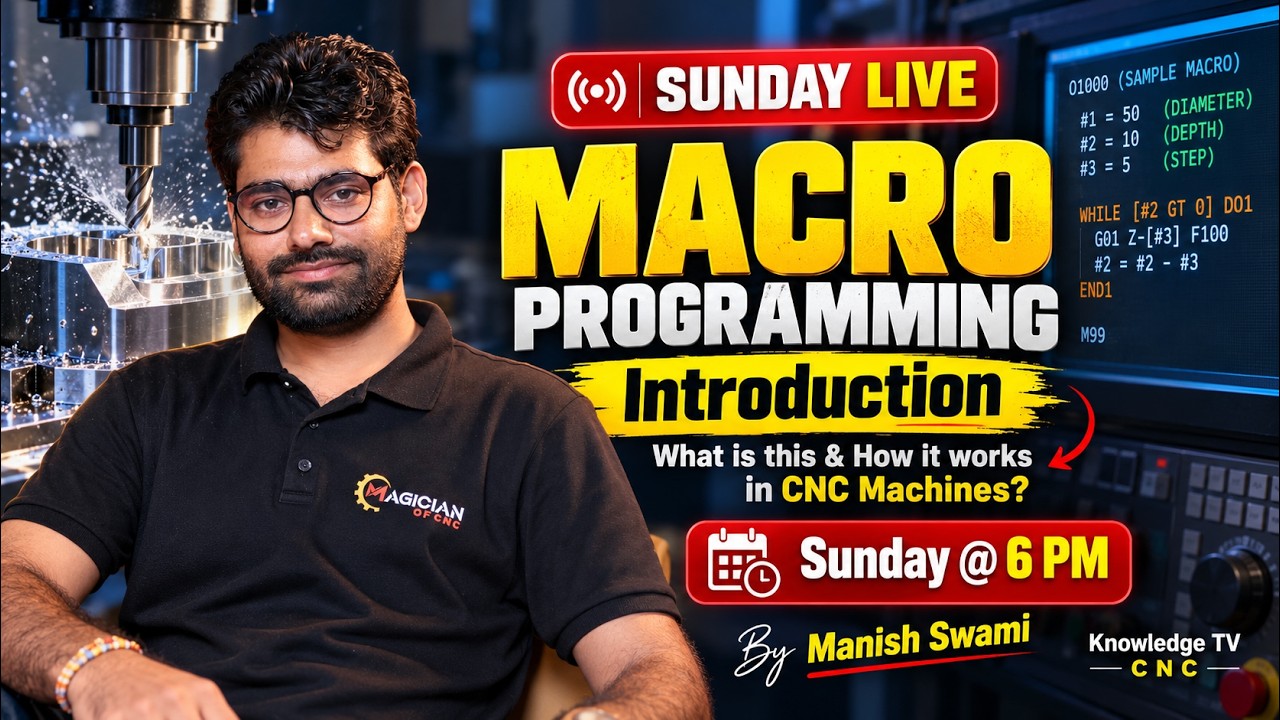
Mastering CNC Macro Programming: The Ultimate Guide for CNC CAM Training
This article provides an in-depth exploration of CNC CAM training, covering foundational concepts, practical applications, and engineering insights.
In today's fast-paced manufacturing industry, precision and efficiency are paramount. If you are working with CNC machines, traditional G-code programming can sometimes be limiting, especially when dealing with complex geometries or repetitive tasks. This is where CNC Macro Programming comes into play. By mastering macro programming alongside comprehensive CNC CAM training, you can elevate your machining skills and dramatically increase shop floor productivity.
What is CNC Macro Programming?
Standard CNC programming relies on fixed G-codes and M-codes to execute specific movements. While effective, it requires explicit code for every single operation. CNC Macro Programming (also known as Parametric Programming), on the other hand, introduces variables, mathematical functions, and logical conditions into standard G-code.
Instead of hardcoding exact coordinates, macro programming allows operators to use variables (like #1, #100, or #500) to represent dimensions, feed rates, or tool numbers. This makes your programs dynamic, flexible, and reusable across different part families.
How Does Macro Programming Work?
Macro programming works similarly to basic computer programming languages. Key components include:
- Variables: Store values like length, diameter, or offset positions.
- Arithmetic Operations: Perform calculations directly within the program (addition, subtraction, trigonometry).
- Control Commands: Use IF-THEN statements, WHILE loops, and GOTO commands to create decision-making logic.
For example, if you need to machine a series of bolt holes or custom pockets, a single macro program can automatically calculate positions and repeat actions based on user inputs, eliminating the need to write hundreds of lines of code manually.
Why Macro Knowledge is Essential for Your Career
While modern Computer-Aided Manufacturing (CAM) software automates much of the toolpath generation, macro programming provides deeper control over machine behavior. Gaining hands-on experience through high-quality CNC CAM training equips programmers and machinists with the ability to edit post-processors, build custom canned cycles, and optimize machine time on the fly.
Combining macro logic with formal CNC CAM training helps you stand out in the competitive manufacturing sector, opening doors to high-paying engineering and programming roles.
Final Thoughts
Whether you are a beginner CNC operator or an experienced machinist, learning macro programming is a game-changer. It transforms standard CNC equipment into intelligent, flexible automation systems, making your manufacturing workflow faster, safer, and far more efficient.

No comments:
Post a Comment