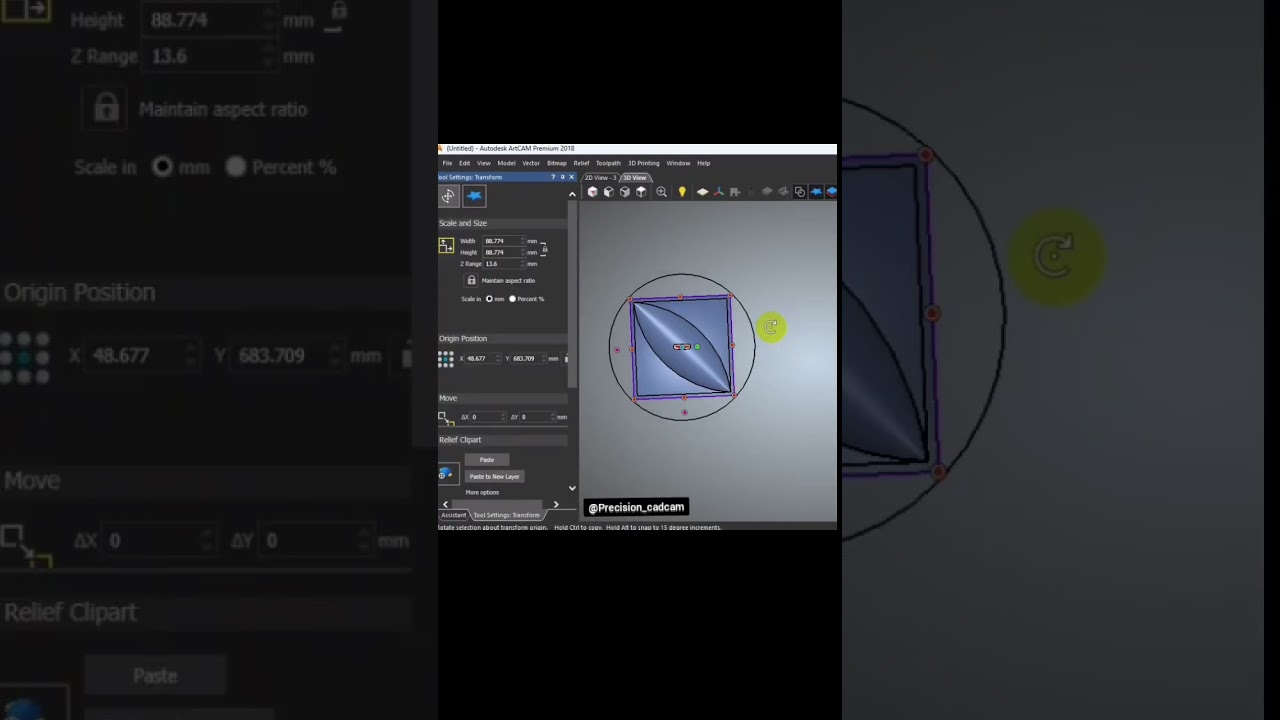
How to Create Stunning 2D and 3D Wall Panel Patterns Using Powerful CNC Programming Software
This article provides an in-depth exploration of CNC programming software, covering foundational concepts, practical applications, and engineering insights.
Decorative wall panels have become a staple in modern interior design, bringing depth, texture, and elegance to residential and commercial spaces. Whether you want to create subtle 2D geometric patterns or dramatic 3D relief carvings, transforming your creative concepts into physical woodwork requires precision. That is where using advanced CNC programming software like ArtCAM makes all the difference for craftsmen and designers alike.
Transforming Ideas into Precise 2D and 3D Vectors
Designing a wall panel pattern begins with a solid digital foundation. 2D patterns often feature repeating geometric shapes, intricate lattice work, or modern abstract lines. On the other hand, 3D designs add height variations and sculpted textures that play with light and shadow. Utilizing reliable CNC programming software allows you to seamlessly transition between flat 2D vector layouts and complex 3D surface modeling, giving you full creative control over depth, scale, and detail.
Streamlining the Workflow with ArtCAM
ArtCAM has long been a favorite tool among CNC woodworkers and engravers due to its intuitive interface and specialized design capabilities. With ArtCAM, designers can draw custom vectors from scratch, import existing artwork, or turn 2D bitmaps into textured 3D relief models. Once the design is finalized, the software converts your visual artwork into machine-readable G-code. This smooth integration saves valuable time, minimizes material waste, and ensures that every cut on the router table matches your digital blueprint perfectly.
Tips for Optimizing Your CNC Wall Panel Projects
To achieve clean edges and flawless finishes on your wall panels, keep these essential best practices in mind:
- Choose the Right Tooling: Match your router bits to the design style. V-carve bits work exceptionally well for sharp 2D lines, while ball-nose end mills are ideal for smooth 3D relief carving.
- Simulate Before Cutting: Always run a toolpath simulation. Leveraging feature-rich CNC programming software helps you preview toolpaths, detect potential collisions, and calculate accurate machining times before touching your material.
- Adjust Feed Rates and Speeds: Optimize your spindle speed and feed rate based on the material—such as MDF, hardwood, or plywood—to prevent burning or rough surface chatter.
Final Thoughts
Mastering 2D and 3D wall panel design opens up endless possibilities for custom woodworking and architectural projects. By pairing your creative vision with dedicated software tools, you can consistently produce high-quality, professional-grade decorative panels that elevate any space.

No comments:
Post a Comment