Maximizing material usage while minimizing scrap waste is one of the most critical skills in sheet metal fabrication. Whether you operate a laser cutter, plasma table, or CNC router, learning how to pack parts efficiently onto a stock sheet—a process known as nesting—can save your business significant time and money. If you want to master this skill fast, think of this guide as a quick CNC software course module on automated nesting using Sheet2Nest.
What is Sheet2Nest?
Sheet2Nest is a free, web-based nesting tool designed to help fabricators, machinists, and CAD designers arrange DXF and SVG files onto raw material efficiently. Unlike traditional, heavyweight CAD/CAM suites that require extensive training, Sheet2Nest offers a user-friendly, browser-based solution that delivers high-density nesting layouts in just a few clicks.
Step-by-Step: Nesting DXF and SVG Parts in 4 Minutes
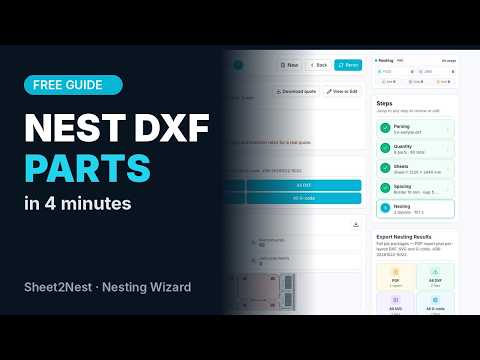
You do not need to spend weeks in a lengthy classroom setting to master the basics. Applying the practical concepts found in a hands-on CNC software course, here is how you can nest your vector files in minutes:
- Upload Your Geometry: Import your DXF or SVG vector files directly into the platform. Assign required quantities for each component.
- Set Sheet Dimensions: Input the width, height, and edge clearance of your sheet metal stock to ensure accurate boundary constraints.
- Run the Nesting Wizard: Initiate the automated layout algorithm. Sheet2Nest calculates the optimal arrangement to maximize sheet utilization and minimize scrap.
- Export Your Layout: Download the generated DXF file, fully prepped for your laser or plasma cutting controller.
Boost Your Fabrication Efficiency
Manual part placement is tedious, prone to human error, and often results in wasted sheet metal. Utilizing modern nesting algorithms eliminates guesswork, reduces material costs, and drastically speeds up prep time.
Whether you are looking to sharpen your fabrication skills or complementing a formal CNC software course, leveraging free tools like Sheet2Nest is an excellent way to streamline your workflow and boost workshop productivity today.

No comments:
Post a Comment