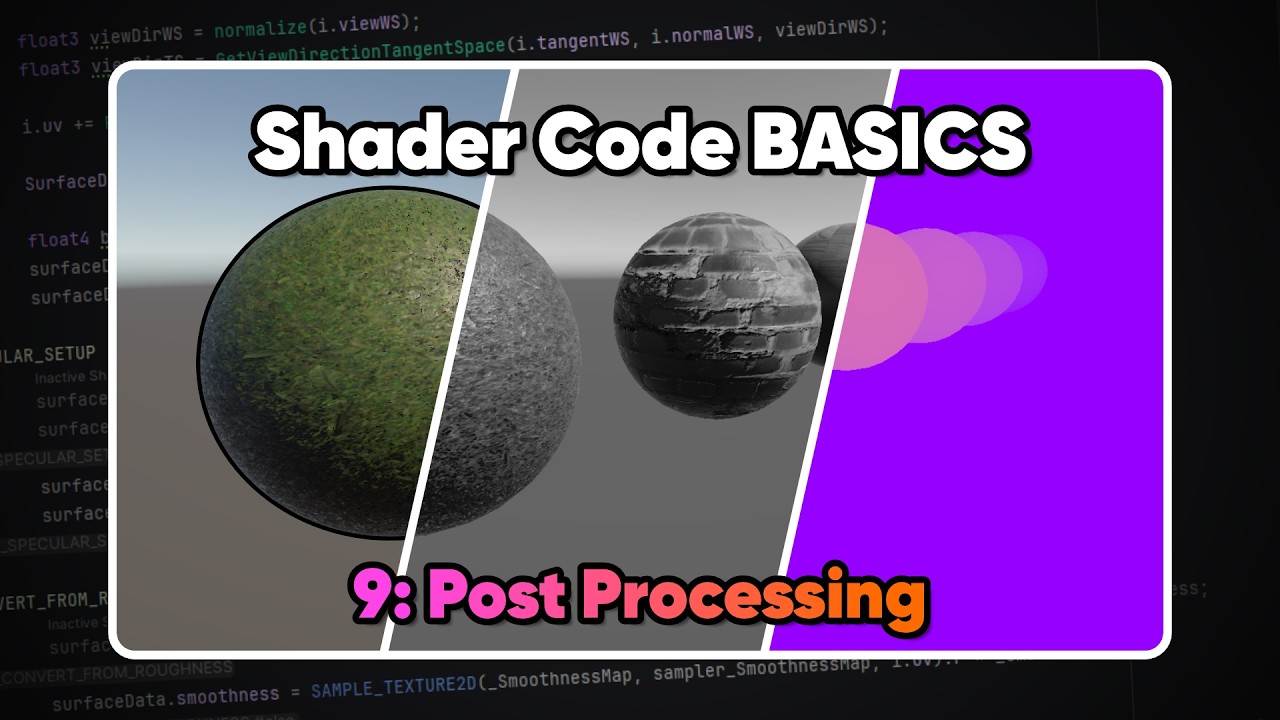
Mastering Unity’s New Render Graph: The Ultimate Guide to the Modern Post processor
This article provides an in-depth exploration of Post processor, covering foundational concepts, practical applications, and engineering insights.
The landscape of game visuals is shifting. For Unity developers using the Universal Render Pipeline (URP), the introduction of the Render Graph API marks a significant evolution in how we handle full-screen effects. If you’ve been looking for a more optimized and modular way to build a custom post processor, this new system is the definitive answer for modern game development.
Why Transition to the Render Graph?
In previous versions of Unity, creating custom effects often involved complex boilerplate code and manual management of temporary textures. This frequently led to memory leaks or inefficient GPU usage if not handled perfectly. The Render Graph API simplifies this by providing a high-level abstraction.
The system allows the engine to handle resource allocation and memory management automatically. By defining your post processor logic within this framework, you ensure that your game only uses the memory it absolutely needs, drastically reducing the overhead on both mobile and desktop platforms.
Streamlining the Rendering Workflow
The Render Graph works by organizing rendering commands into a logical sequence. Each "pass" declares exactly which textures it reads from and which it writes to. This transparency allows Unity to optimize the execution order and reuse memory buffers whenever possible.
For technical artists and shader programmers, this means you can focus more on the creative shader math and less on the technical "plumbing" of the rendering pipeline. The Render Graph essentially acts as an intelligent coordinator that ensures your effects are executed in the most efficient manner possible.
Building Your Custom Effects
When you implement a custom post processor using the Render Graph, you are essentially writing a script that tells Unity how to execute your shader code within the pipeline's lifecycle. This involves setting up a render pass that integrates with the new API. While there is a slight learning curve compared to the older "Blit" methods, the performance gains—especially in complex scenes with multiple overlapping effects—are substantial and well worth the effort.
Conclusion
Mastering the Render Graph is essential for any Unity developer looking to stay ahead of the curve. It not only makes your project more performant but also aligns your workflow with the future of the engine's architecture. Whether you are creating a simple color grade or a complex stylized glitch effect, the Render Graph provides the robust, optimized foundation you need for high-quality visual storytelling.
Visual Insights & Illustrations


No comments:
Post a Comment