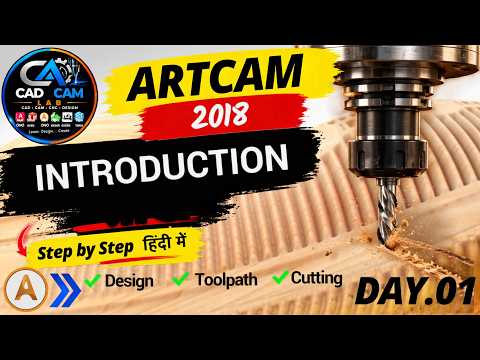
Are you looking to dive into the world of computer-aided design and manufacturing? Welcome to the ultimate CNC CAD CAM introduction designed specifically for beginners. Computer Numerical Control (CNC) technology has revolutionized precision carving, woodworking, and industrial design. Among the various software options available today, ArtCAM stands out as one of the most intuitive and powerful tools for creating intricate 2D vectors and detailed 3D reliefs.
Getting Started with ArtCAM Software
Starting your journey in digital design can feel overwhelming, but breaking down the software fundamentals makes the learning curve simple and manageable. In this comprehensive CNC CAD CAM introduction, we focus on understanding the core interface of ArtCAM. When you open the application, you are greeted with a workspace tailored to streamline your entire project workflow—from initial vector sketch to final machine code execution.
Mastering Essential Design Tools
To build a strong foundation in CAD design, you must master two fundamental tools right out of the gate:
- The Selection Tool: This essential tool allows you to highlight, manipulate, resize, rotate, and align individual elements within your design space. Accurate object selection is critical when organizing complex geometric patterns for machining.
- The Polyline Tool: Polylines form the backbone of 2D vector creation. Using the Polyline tool, you can generate continuous straight lines, smooth freeform curves, and closed vectors required to define toolpaths. Learning how to connect points and refine nodes gives you complete creative control over your custom shapes.
Elevate Your CNC Routing Skills
Whether your goal is to produce custom furniture, intricate decorative panels, or metal engravings, gaining a solid CNC CAD CAM introduction provides the exact framework you need to succeed. By practicing basic vector drafting with tools like Selection and Polyline, you pave the way for smooth transitions into advanced 3D surface modeling and toolpath generation.
Start exploring these core tools today, and build the confidence required to turn your digital concepts into physical masterworks!

No comments:
Post a Comment