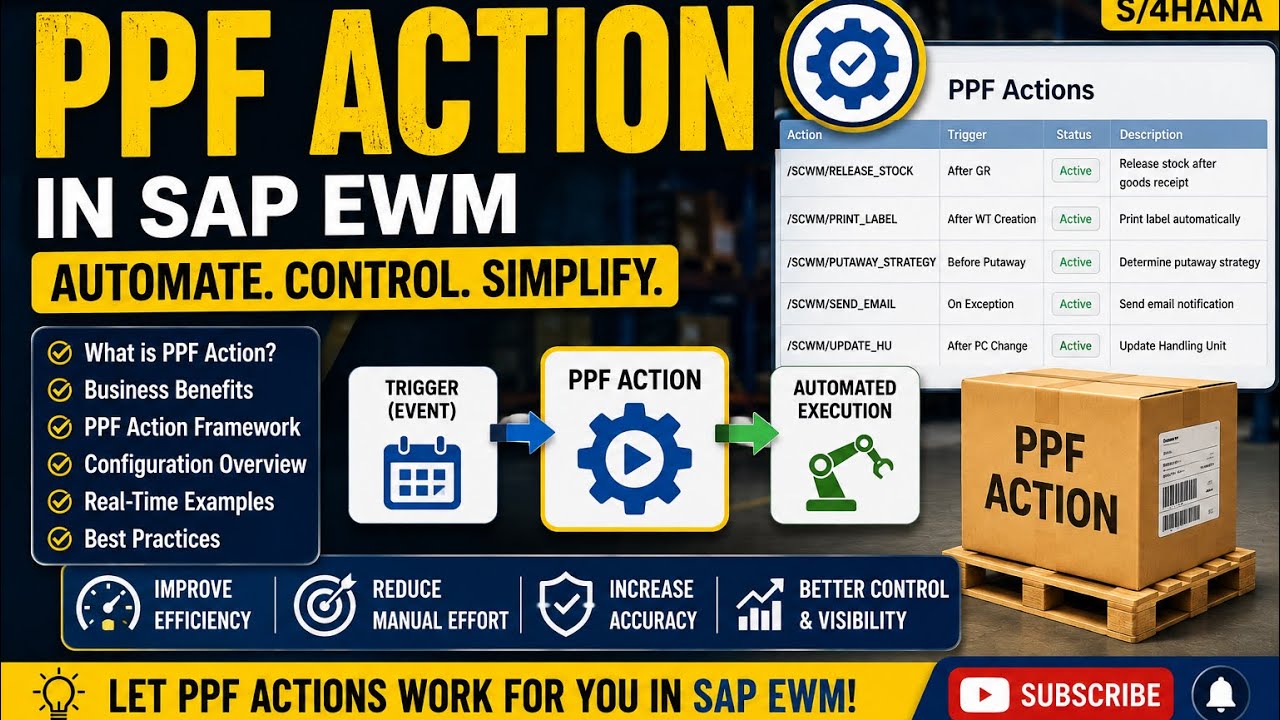
Demystifying SAP EWM PPF: A Step-by-Step Guide to the Post Processor Framework
This article provides an in-depth exploration of Post processor, covering foundational concepts, practical applications, and engineering insights.
In modern supply chain operations, automation and operational efficiency are paramount. Within SAP Extended Warehouse Management (EWM) on SAP S/4HANA, managing background tasks and automated outputs relies heavily on the Post Processing Framework (PPF). Utilizing an effective post processor mechanism enables businesses to automate critical warehouse tasks—such as printing logistics labels, triggering workflow approvals, and executing background tasks—without requiring manual intervention.
What is the Post Processing Framework (PPF) in SAP EWM?
The Post Processing Framework (PPF) serves as a centralized SAP tool designed to handle conditional actions automatically. Whether you need to generate a Warehouse Task (WT), issue a goods movement notification, or print a delivery document, PPF acts as the underlying post processor engine. It evaluates predetermined conditions and triggers specific actions based on business rules and document statuses.
Key Components and Benefits of PPF Actions
Understanding PPF requires looking at its core structural elements:
- Action Profile: Defines the set of possible actions for a specific document type (such as an Inbound Delivery or Outbound Delivery Order).
- Action Definition: Specifies the precise action to be performed, such as printing, sending an EDI message, or executing an ABAP method.
- Condition Technique: Determines when and under what conditions an action should be triggered.
By leveraging this flexible architecture, SAP EWM users gain significant operational advantages:
- Enhanced Automation: Reduces manual workloads by automatically scheduling background jobs upon document save or status change.
- Error Handling & Monitoring: Easily track, reprocess, or debug failed actions using standard SAP transaction codes.
- High Adaptability: Tailor actions to align with evolving warehouse business processes without extensive custom coding.
How to Set Up PPF Actions in S/4HANA
To configure a PPF action in SAP S/4HANA EWM, follow these basic setup steps:
1. Define the Action Profile: Create or assign the relevant business object types and configure container elements.
2. Create Action Definitions: Specify execution timing (e.g., immediate processing or processing via background selection report).
3. Configure Determination Conditions: Set up schedule and start conditions using the condition technique.
4. Execute and Monitor: Test your configuration during actual warehouse movements and monitor execution using the built-in post processor tools.
Conclusion
Mastering PPF actions in SAP EWM is essential for any functional consultant or warehouse administrator looking to optimize logistics workflows. By configuring these automated triggers effectively, you ensure smoother warehouse operations and accurate real-time data processing across your S/4HANA environment.
Visual Insights & Illustrations


No comments:
Post a Comment